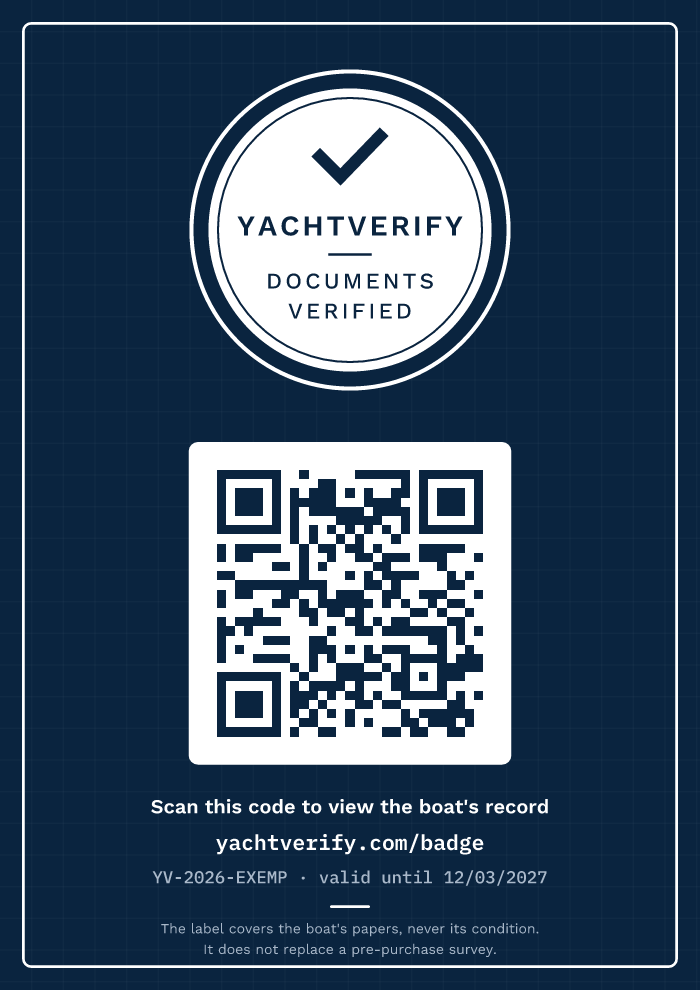
Badge validation

The seal in context

The seal placed in a corner, at the size suggested by the photo tool (18% of the width), in light and dark versions, on three types of photo; then as a 120 px thumbnail.

Sea background

Clear sky and blue sea: the most common case for a listing photo.

YachtVerify seal, light version
Light version
YachtVerify seal, dark version
Dark version

Light background

The seal's outer ring keeps it visible on a white or very light background.

YachtVerify seal, light version
Light version
YachtVerify seal, dark version
Dark version

Dark background

Night scene, interior or backlit shot.
YachtVerify seal, light version
Light version
YachtVerify seal, dark version
Dark version

120 px thumbnail

Minimum intended size: the name, the tick and “Documents verified” must remain legible.

YachtVerify seal, light version
YachtVerify seal, dark version
YachtVerify seal, light version
YachtVerify seal, dark version
YachtVerify seal, light version
YachtVerify seal, dark version
YachtVerify seal, light version
320 px listing thumbnail with the seal at 64 px (below the recommended size).

All versions

YachtVerify seal, light versionYachtVerify seal, dark version
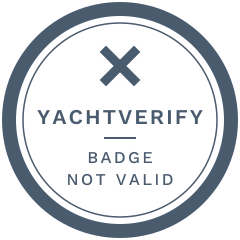
Seal shown when the badge is no longer valid

Shown automatically on websites that embed the badge, if it expires or is revoked.

Banner, light versionBanner, dark version
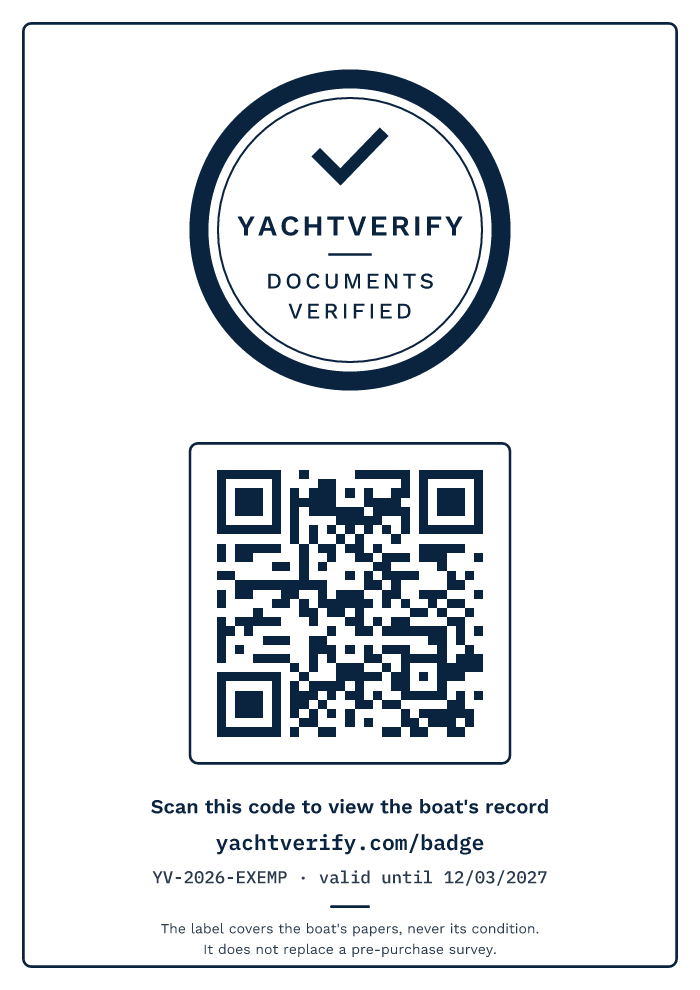
A4 panel, light version
A4 panel, dark version